Channel settings and intake history#
Use Channels to check receiving addresses and connection status. Intake history shows the original email or message and the order created from it.
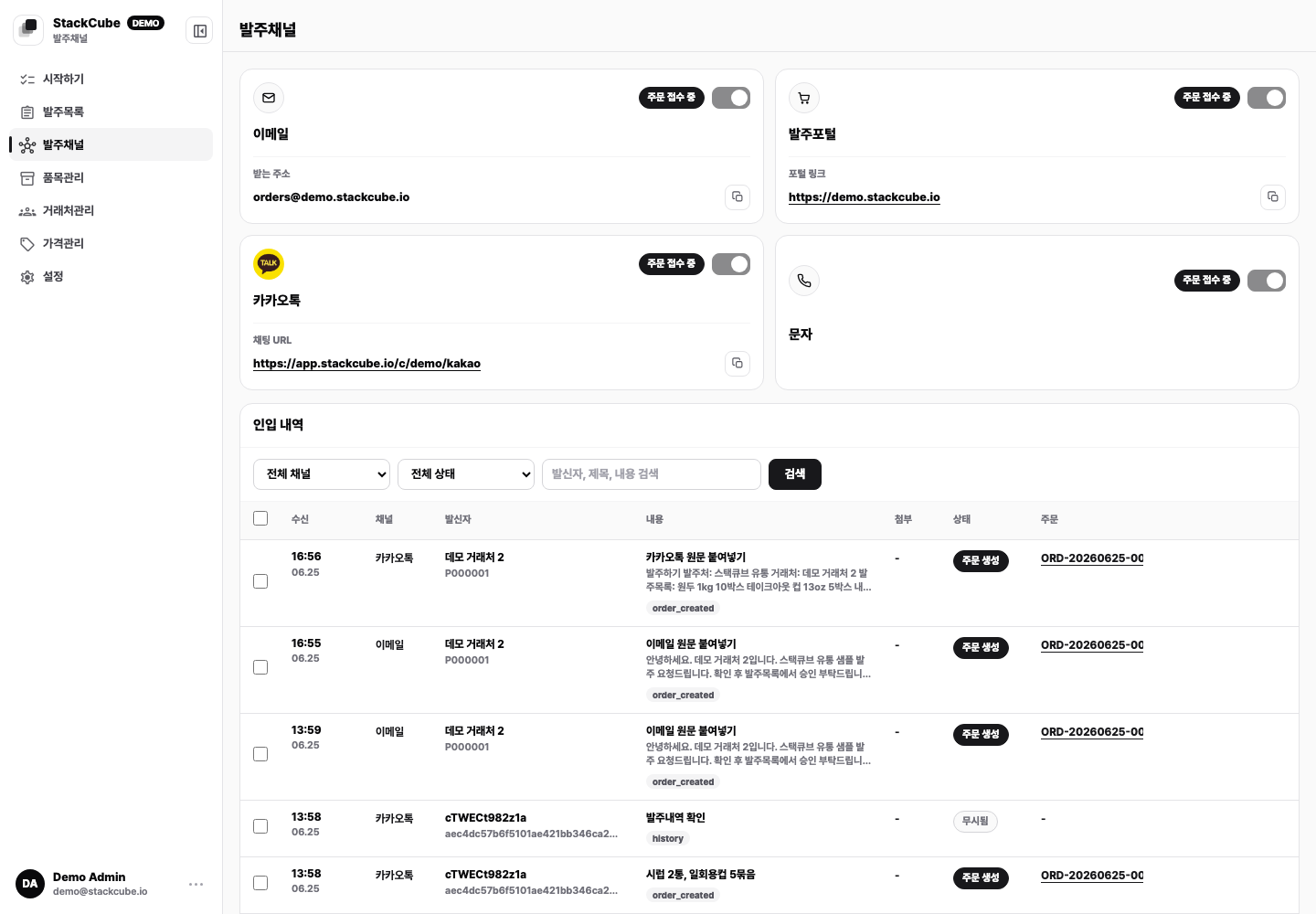
Connect a channel#
- Email orders: use a new receiving address, connect Naver Mail, or forward from Gmail.
- KakaoTalk orders: share the chatbot link or connect an existing chat room.
- SMS orders: install the StackCube app on a work Android phone.
- Order portal: prepare customer accounts, visible items, and prices.
Each guide includes a test order. Complete the test before sharing the channel with more customers.
Intake history#
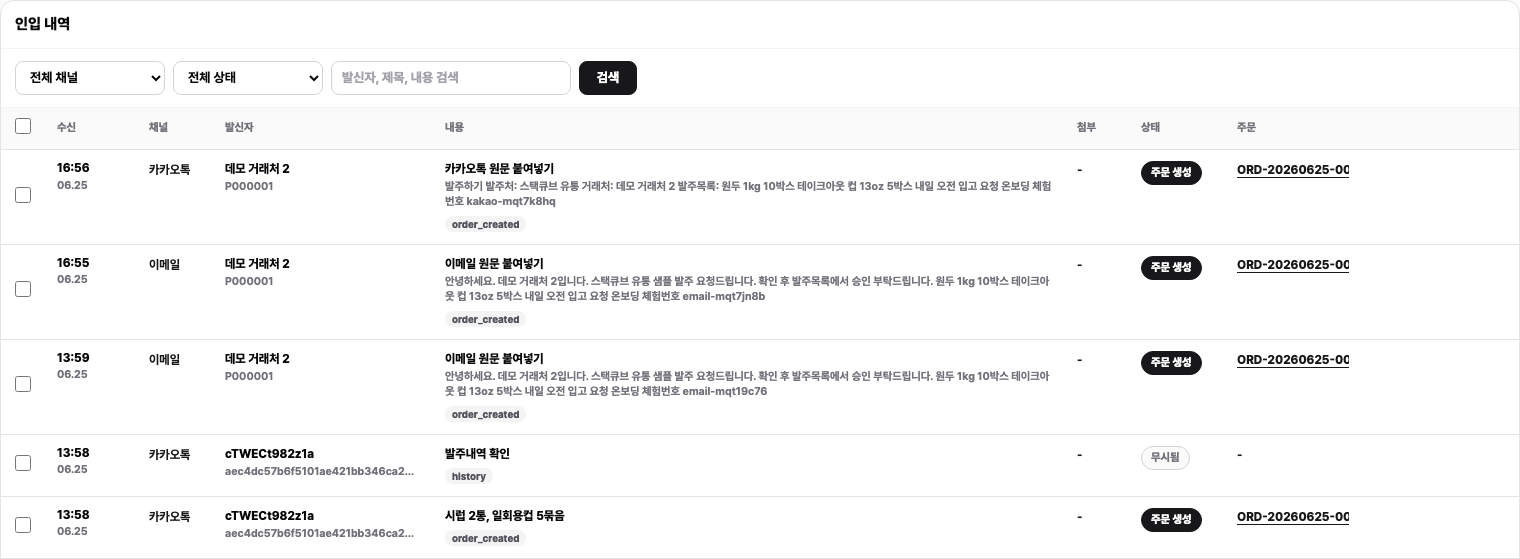
In Intake history, you can:
- Filter by channel, status, or search term
- Review the sender, body, and attachments
- Open the created order
- Ignore or delete sources that should not become orders
- Retry a source that has not finished processing
If an order is missing, check Intake history first. If the source is missing too, check the channel connection. If the source is present without an order, open it and check the status and error message.