Order channels#
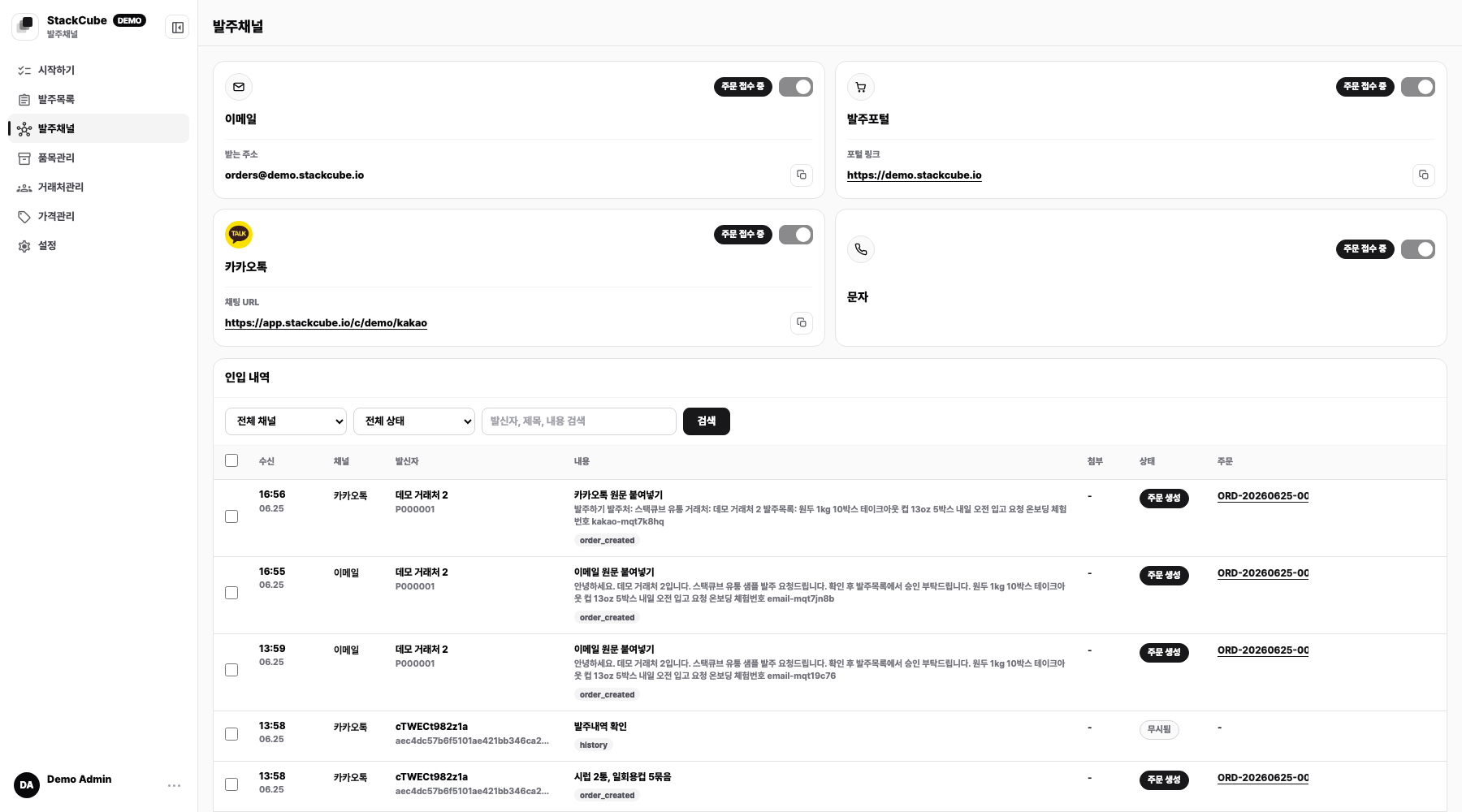
Start with the channel where most orders already arrive. Choose one that customers can use without changing how they order.
Which channel should you start with?#
| Where orders arrive | First setup | Customer change |
|---|---|---|
| Shared email inbox | Gmail forwarding or Naver mailbox connection | None |
| New order email | Share the StackCube receiving address | Use a new recipient |
| KakaoTalk chatbot | Share an order link | Open the chatbot and place an order |
| Existing KakaoTalk room | Invite the collector and create a code | Send a new order in the connected room |
| SMS on a work Android phone | Install the StackCube app | None |
| Spreadsheet or PDF | Add the file manually in Order management | None |
| Order portal | Prepare customer accounts and catalog access | Order through the portal |
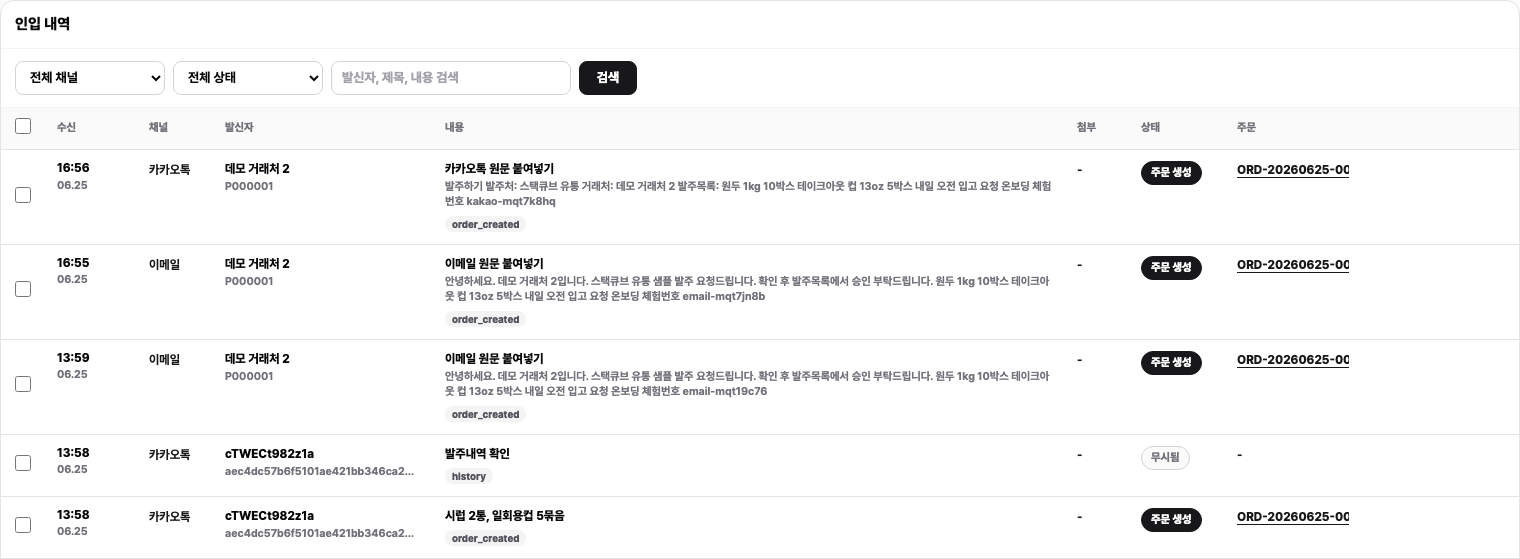
Connect one channel and send a new test order. Share it with more customers after the source appears in Intake history and the order appears in Order management.
Intake is not approval#
A connected channel creates an order draft. It does not approve or fulfill the order. A reviewer still checks the customer, items, quantities, prices, and source before approval.
Channel guides#
- Email ordersNew receiving address, Naver IMAP, or Gmail forwarding
- KakaoTalk ordersChatbot or existing chat room
- SMS ordersStackCube app on a work Android phone
- Spreadsheets and PDFsAdd an existing file manually
- Order portalLet customers order from a catalog
- Channel settings and intake historyManage connection status and inspect sources